Preferences
Purpose
Preferences control how Neurolucida looks and some aspects of how it works.
There are also preferences that enable you to configure the hardware associated with your system. For hardware preferences, go to File > Hardware.
Procedure
-
Go to File > Preferences to open the Preferences dialog box.
-
Click a preference category in the left panel to define or modify the related settings.
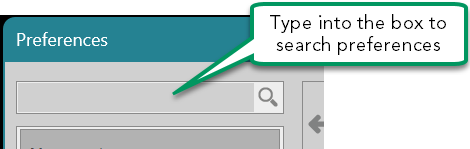
Alternatively, use the Search box at the top of window to quickly access a specific option.
Learn more
Links to categories of preferences are below: