Change the display colors used for tracking
Watch the Display features tutorial video (1:29) on our YouTube channel.
WormLab uses colors and overlays to display different features of your worm and tracks.
Each displayed feature, such as the worm head or tail, is called an overlay. You can turn overlays on or off.
Changing the colors for the overlays
- Click View>Display or click
 . WormLab displays the Display dialog box.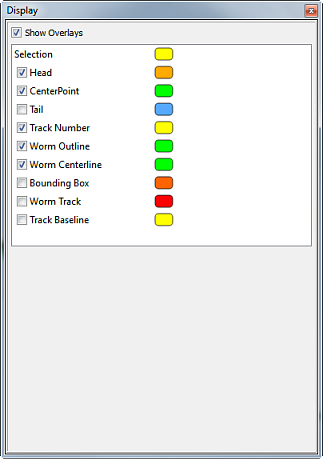
- Click a color box next to a selection. WormLab displays the Select Color dialog box.
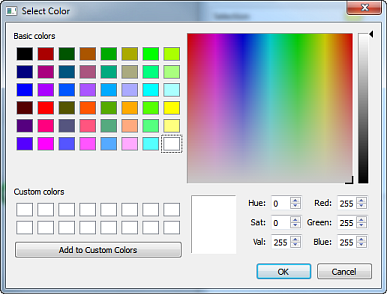
- Select a new color and click OK. WormLab applies the color immediately.
Displaying overlays
- Check a check box to display an overlay.
- Clear a check box to hide it.
WormLab includes any displayed overlays when you use the Export Video command. To export the worms without any overlays, turn off Show Overlays before exporting.