Optical Fractionator step 8: Define disector options
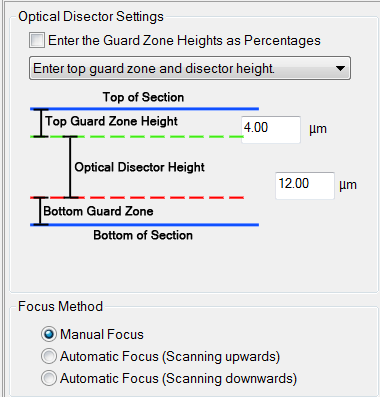
Optical Disector Settings

- Select Enter the Guard Zone Heights as Percentages if you don’t want to use absolute values.
- The drop-down menu gives you 2 options:
- Entering top guard zone and disector height: thus letting the bottom guard zone be what is left over

- OR centering the disector between the guard zones.

- Entering top guard zone and disector height: thus letting the bottom guard zone be what is left over
- Enter the guard zone and disector heights.
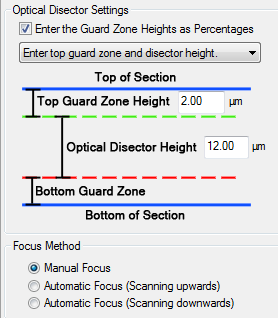
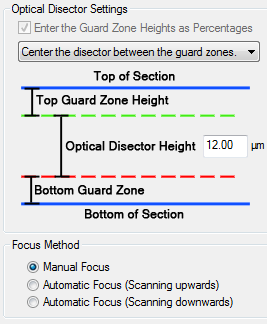
Focus Method
Most users prefer Manual Focus.
Try Automatic Focus if you are quick.
 Save sampling parameters
 See Optical Fractionator Workflow
Stereo Investigator 11 | MBF Bioscience Support Center | Downloads