Image Montage: How automatic montaging works
May require a separate license
Neurolucida 360 software uses sophisticated algorithms that evaluate visible features of images in areas where individual image tiles overlap. This information is used to align the tiles and create an image montage—a composite image of the combined image tiles.
Features
To match two images, Neurolucida 360 uses features identified in the overlapping region of the two images. Features are points for which there are two dominant and different edge directions in a local neighborhood of the points. For a successful montage, the number of features identified must be relatively high.
 Example of a successful montage
In the figure below, montaging was successful because the algorithm found enough features (shown as green points) inside the overlapping region (the area between the dashed lines). The arrows show where the algorithm matched the points. 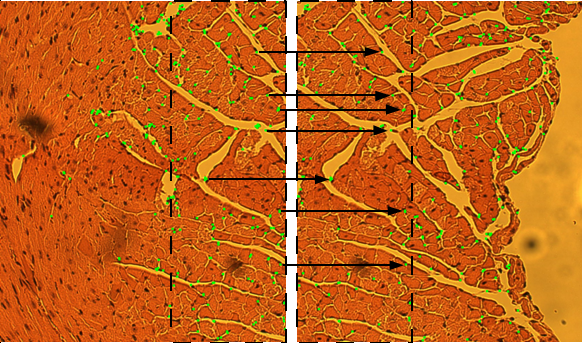
Example of a failed montage
In the image below, however, automatic montaging failed because it found too few matching points within the region of overlap. Without these points, it couldn't complete the montage.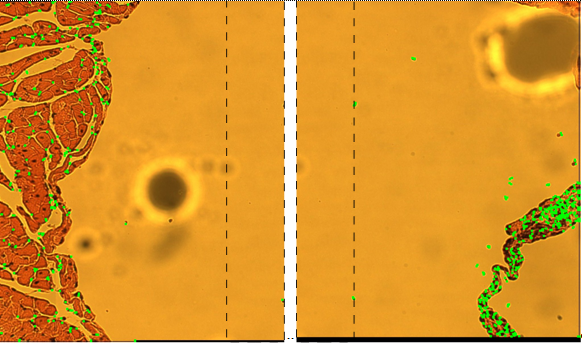
Overlap
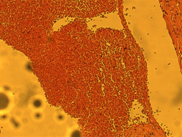
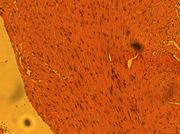
The amount of overlap (overlapping pixels) between images can have a big effect on automatic montaging. In general, a larger overlap region results in better performance, but requires more computational time. We recommend an overlap of 10–25% of the image sizes as a starting point.
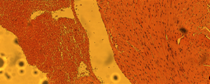
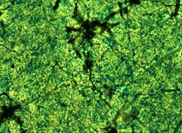 +
+
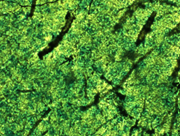
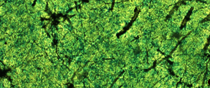 What happens when I have images that can't be aligned with the others?
Sometimes, images are not included in the montage (they are "orphaned") because:
- The overlapping region is inadequate or the overlapping ratio is too large or too small.
- The images are unrelated to the other images used in the montage; you may have saved images in an incorrect location OR the images are from the same sample but have no related features.
- The images can't be automatically aligned in XY or Z because of an inherent property of the image.
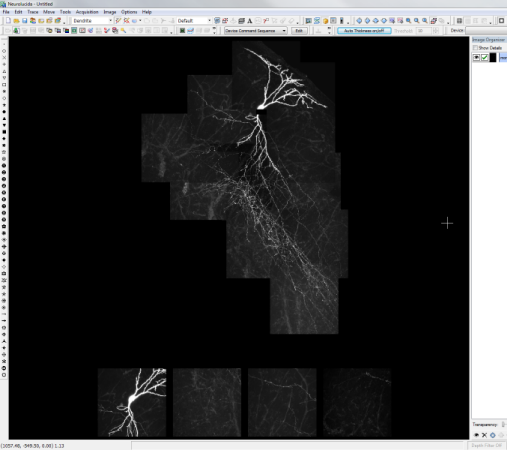
Orphaned images are placed below the matched images. You can then align manually to override the automatic montage.
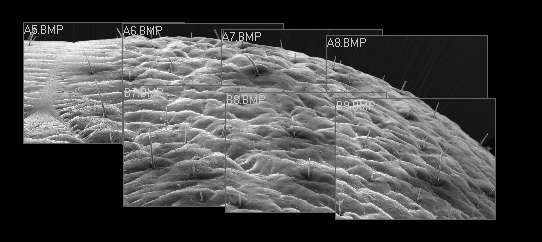
Example 1: Montage of an insect eye.
If you look closely, you'll see that the images don't align exactly. They almost look like they are tilting away from each other.
Example 2: Neuron
We can also see an incorrect Z alignment in the image below.
Why does the software align in X,Y first and then in Z? Why doesn't it do all three at once?
The software needs information from the X,Y alignment before it can perform the Z alignment. We allow alignment in X,Y, and also X,Y,Z, but the Z alignment happens internally after doing the X,Y alignment. It can't align just Z without knowing where it is in X,Y.